
Arrange the workspace
Dock, resize and link widgets by colour. A market change follows the widgets you choose, not every panel on the screen.
Price, order flow and execution in a workspace you arrange. Trade on Bulk, Hyperliquid and HyperLink without switching workspaces. Keep charts, order flow and account activity beside the order ticket.
Open the terminal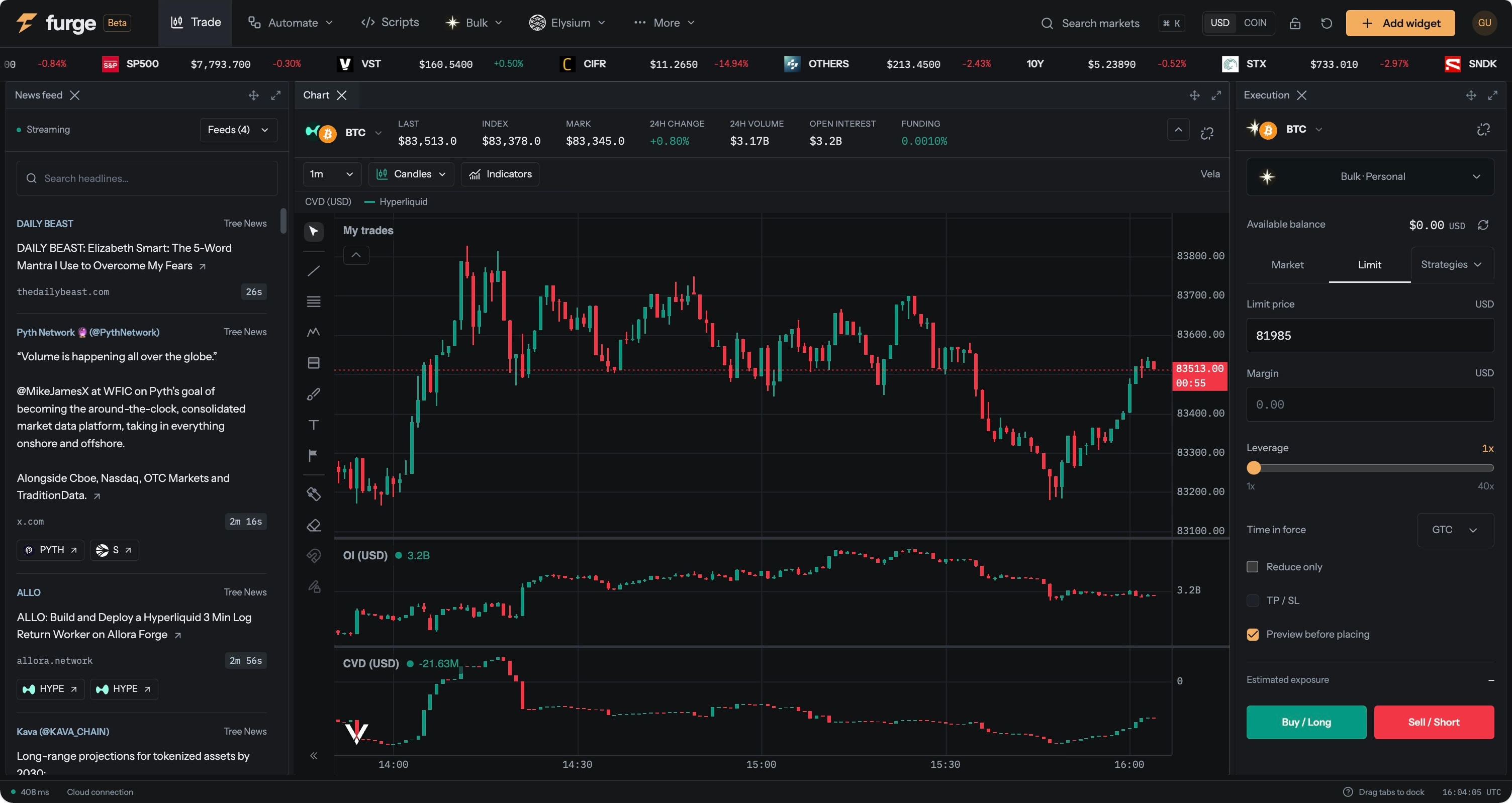
Dock, resize and link widgets by colour. A market change follows the widgets you choose, not every panel on the screen.
Add volume delta, cumulative volume delta and open interest to the chart. Switch size displays between USD and coin.
Click an order-book level to prepare a limit order. Set take profit and stop loss, review the order, and track the position without changing tools.
Build the workspace around how you trade. Keep a chart, order book and execution ticket linked to one market, while another chart follows a different symbol.
Terminal execution supports Bulk, Hyperliquid and HyperLink. Market-data and order features vary by venue. Exchange fees and trading risks apply.
 Nest