
Build with your AI client
Open AI connection in the editor and connect your AI client through MCP. Ask it to write or edit a strategy and run supported backtests. You review the code and decide when to deploy.
Write custom strategies and trading bots with your own signals, sizing and execution rules. Test supported historical data, then deploy into your isolated runtime. No separate server to provision.
Open the script editor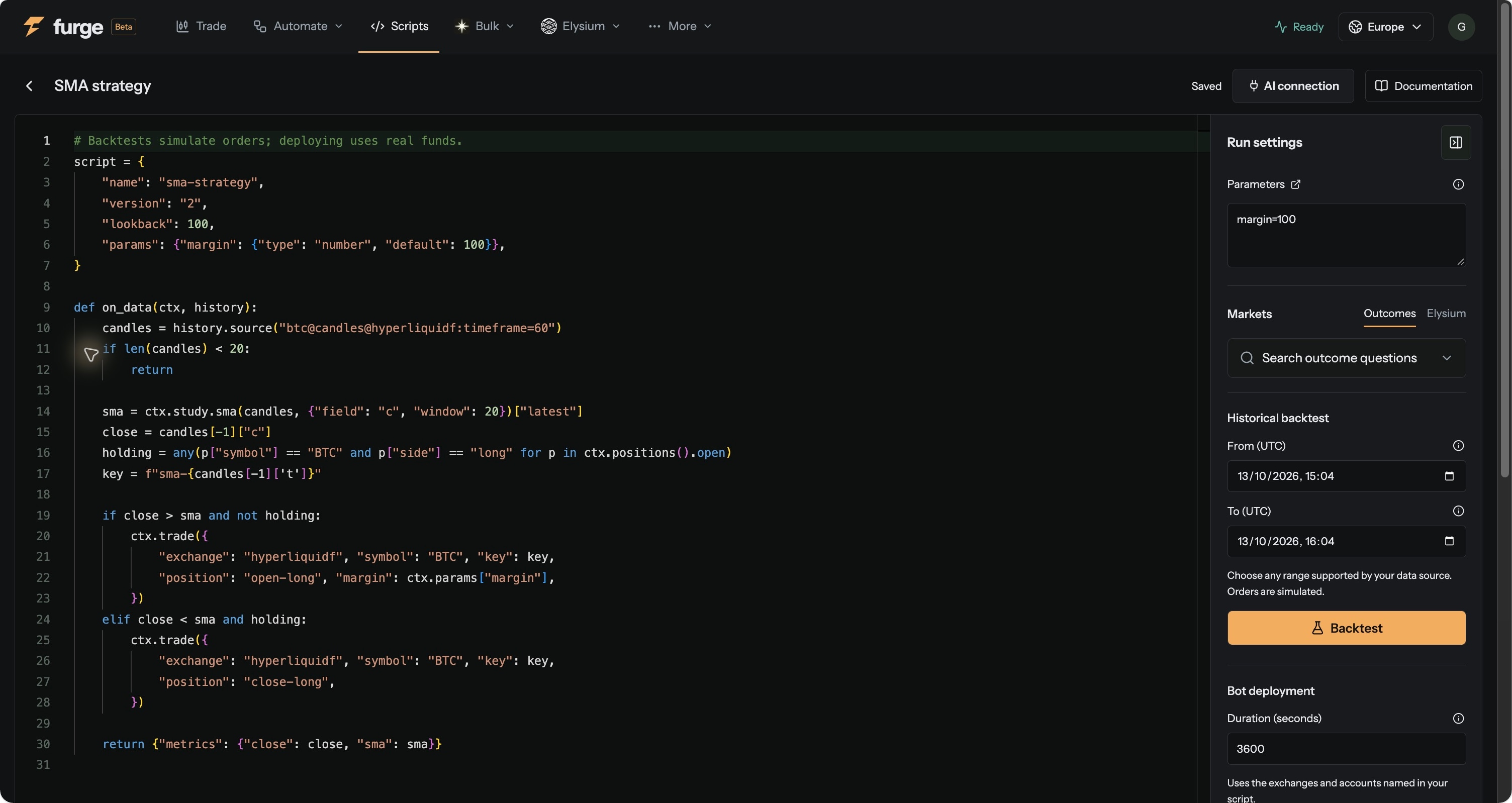
Open AI connection in the editor and connect your AI client through MCP. Ask it to write or edit a strategy and run supported backtests. You review the code and decide when to deploy.
Turn market data into signals and execution requests. Decide when to trade, how much to submit and how to respond to order and fill events. Read Hypercore candles or live trades from supported Elysium markets.
Check diagnostics while you edit. Backtest supported sources, then inspect live events, logs and generated artifacts. Keep the source revision and parameters attached to each run.
Define the signals, conditions and order logic that your setup needs. Furge supplies the editor, market-data hooks, backtesting and server-side runtime.
Execution requires a connected trading account. Strategies and scripts use your automated trading wallet.
 Nest